PPI Calculator
PPI (Pixels Per Inch) defines the pixel density of your display. Higher PPI means a sharper image and smaller physical pixels.
Your display
Enter your screen details
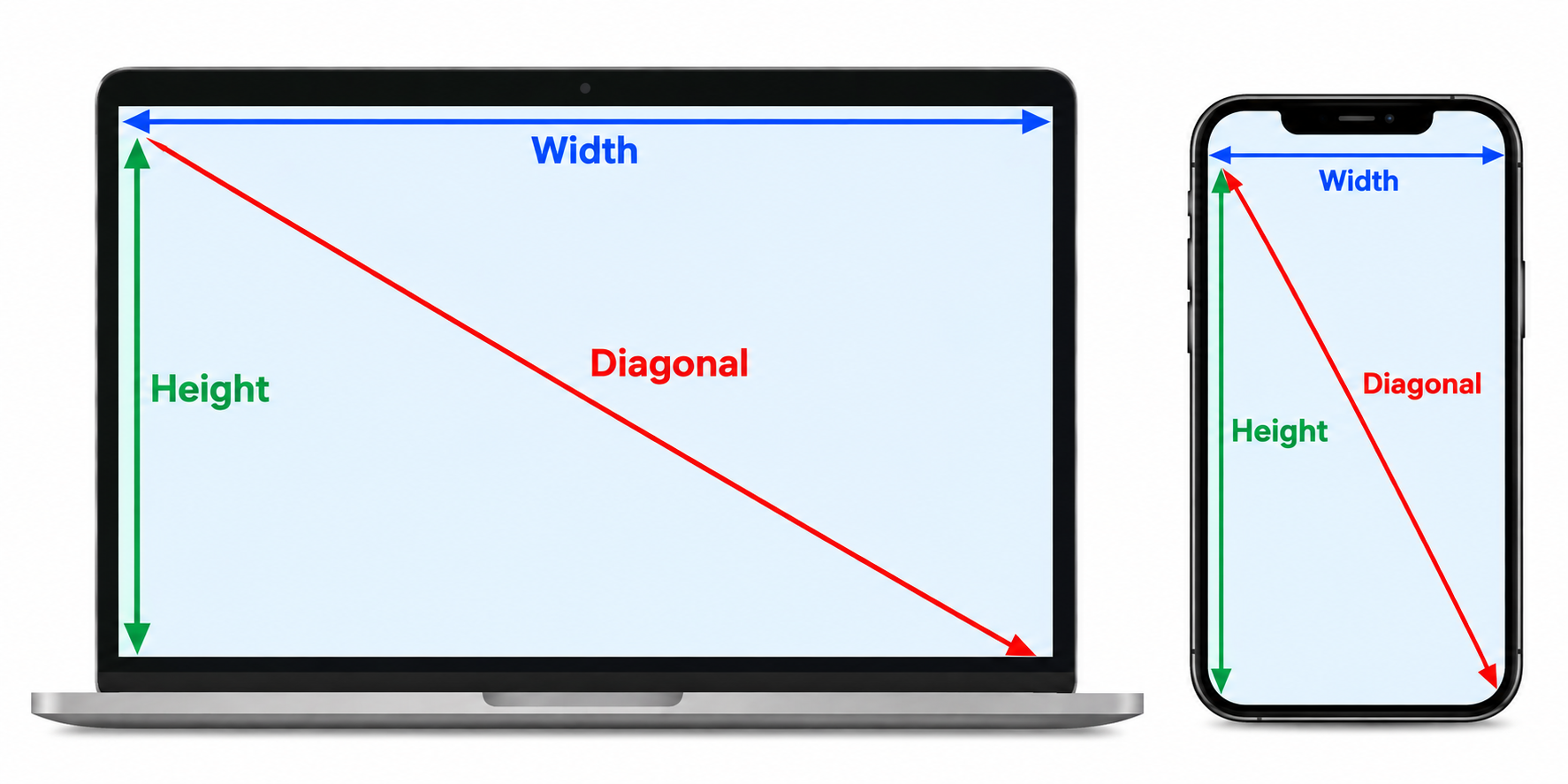
Resolution is measured in pixels. Screen size is the diagonal measurement from corner to corner.
Width and height were auto-detected from your screen. Update them if required for your display.
Quick guide
How to Use the PPI Calculator
Calculate your screen's pixel density in just a few simple steps. Our PPI calculator uses your display resolution and screen size to calculate pixels per inch (PPI).
Check your detected resolution.
When you open the calculator, your screen's resolution width and height may be detected automatically. Review the values shown in the Resolution width and Resolution height fields.
Update the resolution if needed.
If the detected values don't match your display, enter the correct horizontal and vertical resolution manually. For example, a Full HD display uses 1920 × 1080 pixels, while a 4K display commonly uses 3840 × 2160 pixels.
Enter your screen size.
Enter your display's diagonal size in inches in the Screen size field. Measure the screen from one corner to the opposite corner, excluding the surrounding bezel.
Click “Calculate PPI”.
Once your resolution and screen size are entered, click the Calculate PPI button. The calculator will use these values to determine your display's pixel density.
Review your PPI result.
Your calculated PPI shows how many pixels are packed into each inch of your display. A higher PPI means pixels are smaller and can produce sharper, more detailed images and text.
PPI calculator guide
PPI calculator FAQ for accurate online ruler measurements
Learn how pixels per inch affects screen density, display accuracy, and the physical size shown by an online ruler.
What is PPI in a screen?
PPI means pixels per inch and describes how densely pixels are packed on a display. A higher PPI usually produces a sharper image and smaller physical pixels, which affects an online ruler’s physical scale.
How is PPI calculated?
This PPI calculator uses screen resolution and diagonal size: the square root of width squared plus height squared, divided by the diagonal in inches. Enter the width, height, and screen size to calculate your display density.
Why does PPI matter for an online ruler?
PPI helps estimate the physical size represented by screen pixels, which affects whether an online ruler matches a real object. Browser zoom, operating-system scaling, and device settings can still require manual calibration.
Is PPI the same as DPI?
No. PPI refers to pixels on a digital display, while DPI usually describes printed dots or printer resolution. This website uses PPI for screen measurements and online ruler calibration.
How can I make my screen ruler more accurate?
Use the calculator with the correct resolution and physical screen diagonal, then calibrate the online ruler on the same device. Recheck the calibration after changing browser zoom or display scaling to keep an actual-size ruler accurate.